I Coded My Own Raspberry Pi DPI Proxy: Here's What I have learned.
~8 min read
TL;DR
We just wanted to use our Discord music bot. When Discord was banned in Turkey, Jagrosh JMusicBot stopped working. We couldn't easily host it on a VPS like Digital Ocean or Hetzner because YouTube actively bans their IP ranges. The next logical step was hosting it locally on a Raspberry Pi, but there wasn't a standard DPI bypass tool available for Linux like there is for Windows. Instead of keeping a laptop running 24/7 just for an anime playlist, I decided to build my own SOCKS5 proxy with DPI bypass capabilities. Here's a straightforward breakdown of DPI, DNS poisoning, and my experience building this workaround.
God Forbid a Man Can Listen Music on Discord
The goal was simple: we wanted to listen to music on Discord using Jagrosh JMusicBot. It sounds like a problem solved five years ago, right? Unfortunately, we ran into a series of increasingly frustrating roadblocks.
First, we tried the obvious route: hosting it on a VPS. This quickly failed because YouTube treats IP ranges belonging to major data centers like they're actively trying to launch a DDoS attack, frequently blocking them to prevent automated downloads.
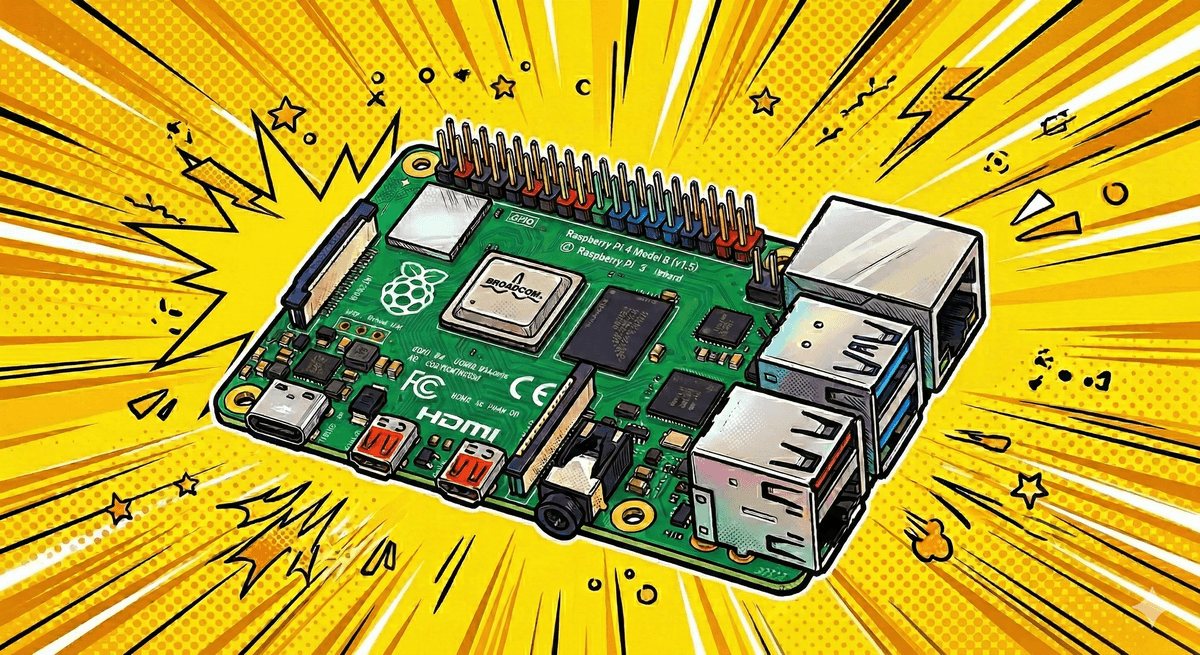
The alternative was hosting it locally. While you can host it from a Windows laptop, leaving your personal machine running 24/7 sounding like it's preparing for takeoff isn't ideal. A Raspberry Pi was the perfect hardware choice—it's low power and perfectly suited for this. We set it up, ran the bot, and... nothing.
Ah, right: Discord is banned in Turkey.
Taking the Matters to My Own Hand
On Windows, this is a solved problem. Tools like Çağrı Taşkın's GoodbyeDPI bypass the Deep Packet Inspection (DPI) ISPs use to enforce these blocks beautifully.
However, I was running Raspberry Pi OS (Linux). I had recently bought a shiny new Raspberry Pi 5 to set up a little home server for myself. After scouring GitHub for an equivalent Linux tool and coming up noticeably empty-handed for an easy, lightweight solution, it was time for action. So, on a totally random Friday evening, instead of doing normal Friday evening things, I opened my editor and decided to build my own DPI proxy in C from scratch. What started as wanting to play YouTube on Discord turned into a fast-tracked crash course in networking.
Key Concepts (Explain like I'm a Dumbass)
Here is a very stupid, highly simplified explanation of what's actually happening so you don't fall asleep reading this.
1. Deep Packet Inspection (DPI)
Normally, your internet provider just looks at the address on your digital envelope and sends it on its way. DPI is the internet provider aggressively ripping open the envelope to read your mail. If they see you're going to Discord, they throw your mail in the fire.
How do we beat this? By basically tearing the letter into tiny, confusing pieces before we send it. They see a puzzle piece with a "D" on it, roll their eyes, and let it through.
2. DNS Poisoning
DNS is basically the contacts app on your phone. You type Discord, it dials the number. DNS Poisoning is when your internet provider sneaks into your phone and changes Discord's number to a totally fake, non-existent number so the call drops immediately.
How do we beat it? Just use Google or Cloudflare's contacts app instead of trusting the ones your provider gave you. Simple.
3. SOCKS5 Proxy
The Discord bot has no idea how to tear up letters or change contacts. It just wants to play music. So, I built a SOCKS5 proxy—which is basically a middleman. The bot hands its letters to the middleman, and the middleman does all the sneaky tearing and bypassing before handing it to the post office.
Conclusion
I ended up creating raspberry-dpi. It successfully fragments TLS packets to bypass the ISP's DPI, allowing the bot to connect to Discord and play music directly from the Raspberry Pi.
The biggest takeaway from this project wasn't just learning how SOCKS5 and DPI work, but realizing that technical blocks are often just an opportunity to build something new. When you encounter a blocker—like an IP ban, a platform block, or missing tooling—building a custom solution is often more practical than it seems.
If a tool doesn't exist for your platform, diving into the underlying protocols and building it yourself is one of the best ways to learn.
"The only difference between you and the person who wrote the tool you need, is that they actually sat down and wrote it."